Modern Kubernetes homelab
Planning my Kubernetes homelab ★
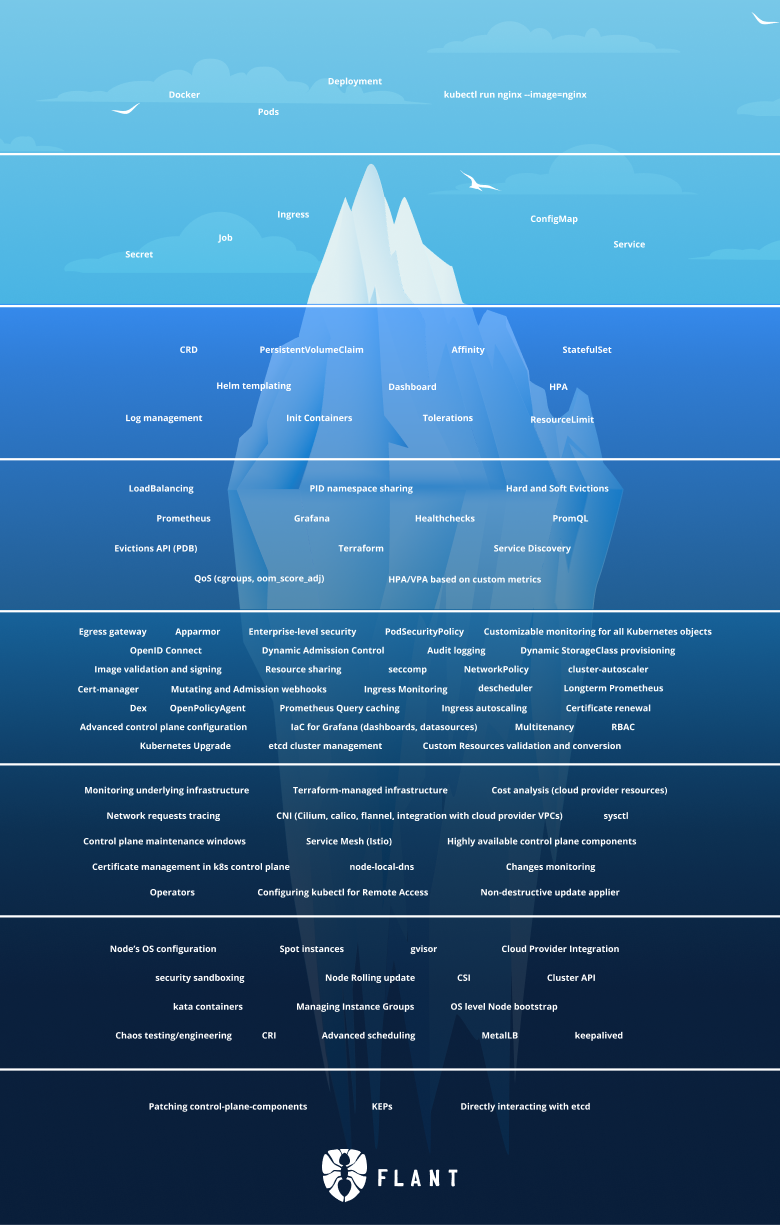
If I’d have to describe my homelab setup via analogy I guess it would be similar to me on a unicycle carrying plates with both of my hands, or maybe a leaking barrel with water that I try to patch up with silver tape.
I’ve also been Kubernetes-curious so I decided to completely redesign my homelab, centered around Kubernetes. It was a bit painful but at least it fulfilled my need for procrastination very well.
Overarching goals
I’ve got three goals with the setup:
-
Declarative, reproducible, and automated
The big goal is to have everything declarative in a single git repository and to easily be able to bootstrap from nothing to a fully working setup.
I want to use Infrastructure as Code to create the Kubernetes cluster and GitOps to populate it with all my services automatically from the repo. It should be really easy to make a change; I want to move away from having to
sshinto the correct repo and manually do stuff. -
Backups, backups, backups
While a proper GitOps setup means that infrastructure and configuration files are inherently backed up, a proper backup setup is still crucial.
Ask me how I know.
No, please don’t.I haven’t had a proper (as in working) backup solution for years and this time I should have it from the start.
-
Documentation
What if I could document my setup, so future me has a chance to understand what’s happening? Writing documentation is boring, so I’ll write some blog posts instead.
I’m a bit skeptical that I can fulfill all three goals, but if I manage 2/3 or even 1/3 it’s still a big win compared to my old setup.
Kubernetes, too complicated?
It’s a fair question and the most common critique towards Kubernetes is that’s just too complicated (especially for a homelab). Discussions online are filled with comments such as:
Kubernetes has to be most complex software I’ve ever tried to learn. I eventually gave up and decided to stick with simple single machine docker-compose deployments.
“Let’s use Kubernetes!”
Now you have 8 problems
So why would I choose Kubernetes?
Because, for whatever reason, Kubernetes is very popular and for every comment complaining about complexity you have comments extolling it’s virtues:
I was skeptical about Kubernetes but I now understand why it’s popular. The alternatives are all based on kludgy shell/Python scripts or proprietary cloud products.
Kubernetes is the biggest quality-of-life improvement I’ve experienced in my career
Having experienced the single machine docker-compose deployments, kludgy shell scripts, and proprietary cloud products; I think I need to use Kubernetes myself to be able to form an opinion on it.
And in some ways, isn’t experimentation a core part homelabbing?
Tech stack
There are many valid tech choices for this kind of setup and many of them are reasonable. I don’t know if my choices are reasonable—most were chosen because they sounded cool, others because I just picked one.
Here’s list of some of the choices I made, which we’ll setup in this series:
-
Talos Linux for Kubernetes nodes.
The coolest way to run Kubernetes. Lightweight and secure, what’s not to like?
-
Terraform to provision VMs on Proxmox and to initialize Talos Linux.
-
Cilium for proxying, CNI, load balancer, and Gateway API provider.
I opted for Cilium as it’s one dependency replacing several alternatives (such as kube-proxy, Metallb, and Traefik, which I was leaning towards at first). Gateway API is the new thing you “should” use instead of ingress, and I wanted to try it out.
-
ArgoCD for GitOps.
If it was purely for myself FluxCD might have been the better, simpler, choice but we might use ArgoCD at work and I don’t want to deal with two separate systems at the moment.
-
Renovate to keep dependencies up-to-date.
-
CloudNativePG for Postgres on Kubernetes.
I’ll also setup timescaledb, although we won’t use it in this series. It’s just to prepare for the future migration of long-term statistics from Home Assistant.
-
Longhorn on NVMEs for persistent storage.
-
Sanoid, Syncoid and Kopia for backup archive management.
Backups are snapshotted and stored in ZFS, which are also encrypted and shipped off-site to Backblaze for storage in the cloud. Backups from Longhorn and Postgres arrives to ZFS via Garage, a self-hosted S3 service.
-
Authentik as an identity provider and single-sign-on platform.
It’s nice to not have to login manually everywhere.
Huh. Displayed like this it looks like a lot, but fear not! It’ll be worth it in the end.
In the next part we’ll start by creating VMs and getting a Kubernetes cluster up and running.